
Making a Product Prototype: How to Test the Idea Before Ordering a Quantity
A guide to making a prototype that explains the difference between a display model and a functional model, and how to define tests and record changes before approving a production run.
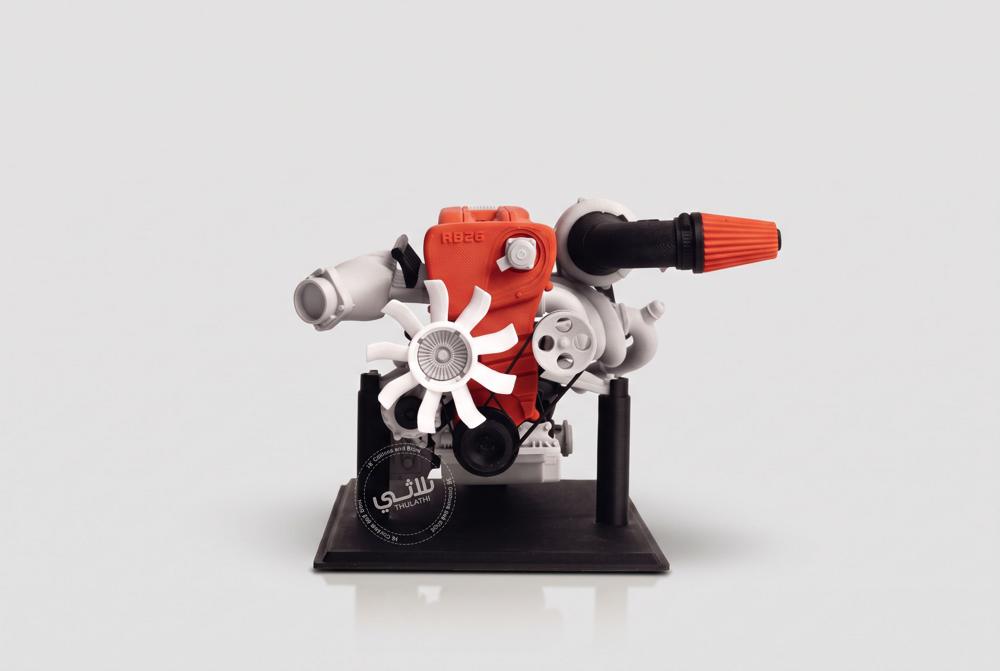
A prototype is a version made to answer specific questions about the product before its production is approved. It may test the shape and size, the fit and motion, or ease of use. A good test starts by defining what you want to learn; a visually beautiful model does not necessarily prove that the product performs its function or suits production in quantity.
Decide which type of model you need
A display model shows the appearance and proportions and may be used to discuss the idea. A fit model tests compatibility between parts. A functional model is prepared to evaluate specific functions using materials and a production method suited to the test. These stages can be carried out one after another, instead of loading the first version with every requirement of the final product.
Write the success criteria before production
Instead of saying the stand must be good, define the device it will hold, how it is placed, the size of the base and how you will test stability. For an electronics enclosure, define the positions of the board, the ports and the screws and the space needed for connections. Stating these details makes the review of the sample objective and reduces changes based on impression alone.
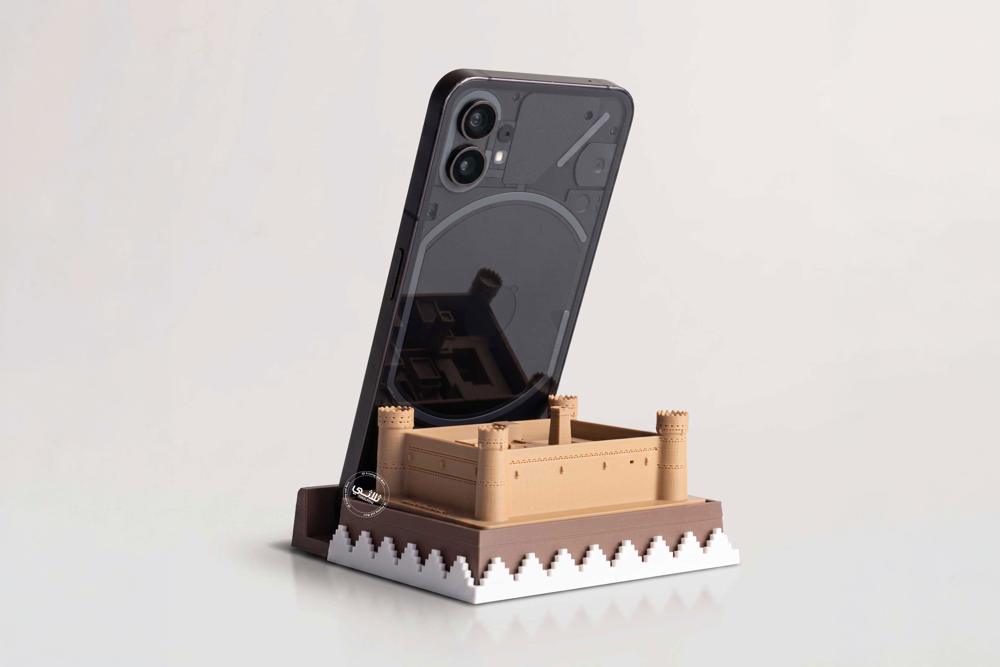
Choose the production method according to the question
3D printing allows sculptural shapes and successive modifications to be studied. Laser cutting may suit testing a product that relies on sheets or layers. CNC can be considered for parts it suits, with the material, the size and the production capability confirmed. It is not required that every part of the model be made with the same technique.
An illustrative example: developing a desk stand
Start by testing the size and the viewing angle, then test the charging position and the stability of the device, and after that review the edges and the appearance. This is a hypothetical example of a workflow, not the result of a specific project. You may find that adjusting a small angle improves use more than adding decorative detail to the first version.
Document every version and change
Give each version a number, and record the problem you noticed, the proposed change and the test result. Separate a necessary functional change from an optional cosmetic improvement. When you reach a suitable version, approve its file, dimensions, material and finish, then discuss how well it suits the method of producing the quantity; some design details may change if the production technique changes.
Frequently asked questions
Can I start with a hand sketch?
Yes, as a reference for the idea; then dimensions and functions are defined and a suitable design is prepared.
Is the prototype the final product?
Not necessarily; the limits of the test and the level of finish should be made clear.
Does repeating the model mean the idea failed?
Revision is part of development, and it becomes useful when each version answers a clear question.
Start your trial with Thulathi
Share the product idea, the problem it solves, the target user and the functions you want to test. We discuss the scope of the model, the possible production methods and the data needed before work begins.
Related articles
 3D printing
How Much Does 3D Printing Cost in Saudi Arabia, and What Sets the Price?
Read the article → Laser cutting
Laser Cutting Acrylic: How to Prepare the Design for Signs and Stands
Read the article → Preparing a request
How to Prepare a Custom Product Manufacturing Request and Get a Clear Quote
Read the article →Ready to start your project?
Send a file or a photo with clear details.